

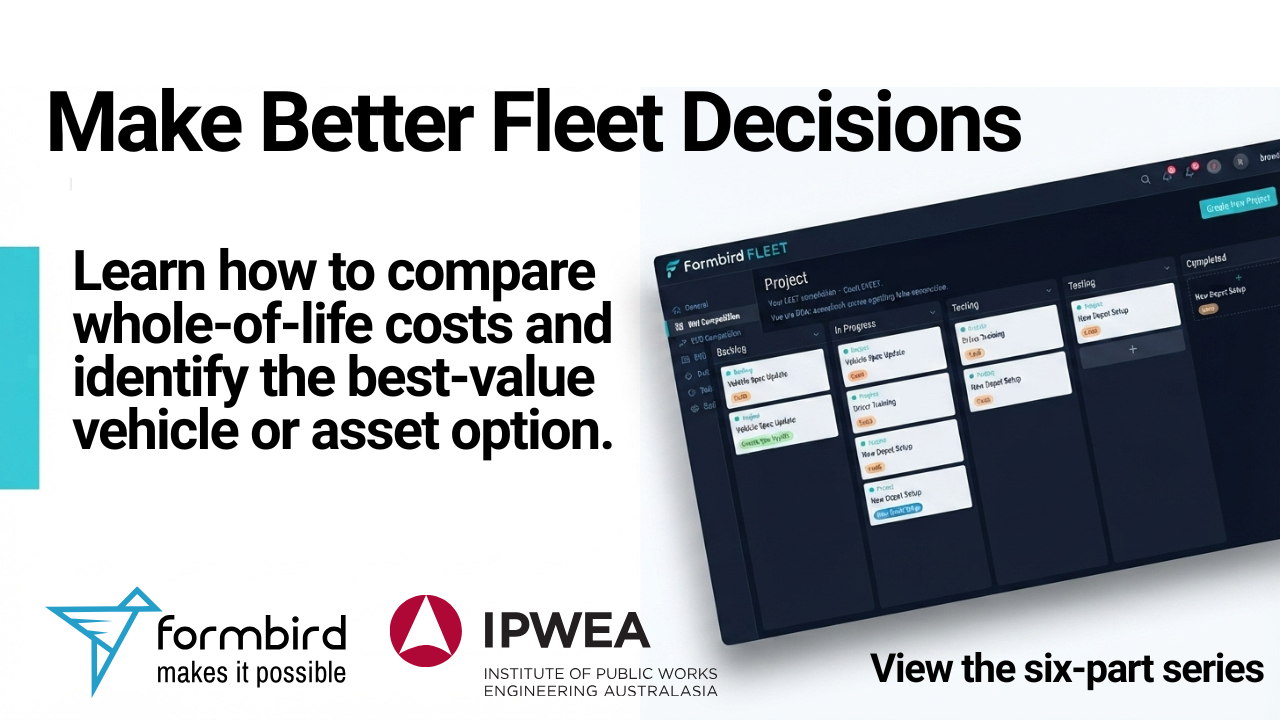
Making informed fleet purchasing and replacement decisions requires more than comparing the initial purchase price of vehicles and equipment.
Operating costs, servicing, fuel consumption, financing and anticipated resale value can all affect the true cost of an asset over its working life. A whole-of-life cost assessment helps fleet professionals bring this information together and compare available options more consistently.
To help users get started, we have published a six-part training series covering the Formbird FLEET Whole of Life Cost Calculator.
The series takes you through the process step by step—from creating your first project and recording supporting information to completing a calculation and reviewing the Best Value Analysis Report.
The Formbird FLEET Whole of Life Cost Calculator is available as an included Formbird product for eligible IPWEA members.
Why consider whole-of-life costs?
The vehicle or asset with the lowest purchase price may not necessarily provide the best long-term value.
A whole-of-life cost assessment provides a structured way to consider the costs associated with owning and operating an asset over an agreed period. This can help organisations make more transparent and evidence-based procurement and replacement decisions.
The Formbird FLEET Whole of Life Cost Calculator provides a consistent environment for creating projects, documenting source information, entering calculations and reviewing the results.
Video 1: Introduction
Start with an overview of the Formbird FLEET Whole of Life Cost Calculator and the role it can play in fleet planning and decision-making.
This introductory video explains the purpose of the calculator and provides context for the practical training covered throughout the rest of the series.
YouTube video:
https://www.youtube.com/watch?v=_tdXy079QNw
Video 2: Create a Project
The first practical step is to create a project.
A project provides the foundation for organising the information used in a whole-of-life cost assessment. This video demonstrates how to establish a project before adding supporting details and completing your calculation.
YouTube video:
https://www.youtube.com/watch?v=zqx9vLBGQrw
Video 3: Creating a Contact
This video demonstrates how to create a contact within the Whole of Life Cost Calculator.
Recording contacts helps keep the people and organisations associated with a project clearly identified and easy to reference throughout the assessment process.
YouTube video:
https://www.youtube.com/watch?v=REwTAIy7Gv8
Video 4: Creating a Reference
Clear source information is an important part of preparing a transparent whole-of-life cost assessment.
In this video, you will learn how to create a reference and document the supporting information used within your project. References can help users understand where cost information and other project inputs have come from.
YouTube video:
https://www.youtube.com/watch?v=gm8VvhBmltY
Video 5: Simple WOL Calculation
Once the project and supporting information have been established, the next step is to complete a calculation.
This video demonstrates the basic process for preparing a simple whole-of-life cost calculation. It provides a practical introduction to recording cost information and comparing different vehicle or asset options.
YouTube video:
https://www.youtube.com/watch?v=2EB0awOUEoY
Video 6: Best Value Analysis Report
The final video in the series covers the Best Value Analysis Report.
The report brings together the information entered during the assessment and presents the results in a format that supports comparison and review.
This can help fleet professionals communicate the basis of a recommendation and support more transparent procurement and replacement decisions.
YouTube video:
https://www.youtube.com/watch?v=_tdXy079QNw
Supporting better fleet decisions
The Formbird FLEET Whole of Life Cost Calculator gives fleet professionals a structured way to organise project information, document supporting sources, compare options and review the results.
We recommend following the videos in order if you are new to the calculator. You can also return to individual videos whenever you need a refresher on a particular step.
The calculator forms part of Formbird’s commitment to providing practical tools and resources that help organisations improve fleet planning, asset management and long-term decision-making.
Access the Whole of Life Cost Calculator
The Formbird FLEET Whole of Life Cost Calculator is available as an included Formbird product for eligible IPWEA members.
For more information about accessing the calculator or learning how Formbird FLEET can support your organisation, contact the Formbird team.
You can also subscribe to the Formbird YouTube channel for additional training videos, product demonstrations and practical resources for fleet professionals.
