
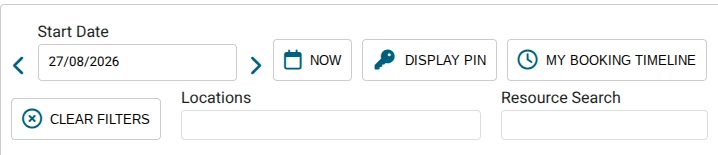
01 / SEARCH & FILTER
Start with your booking needs
Choose the date, search for a resource or location, and switch to your own booking timeline.

Find available vehicles, manage reservations and keep your teams moving — with a visual booking calendar connected to the wider Formbird FLEET system.
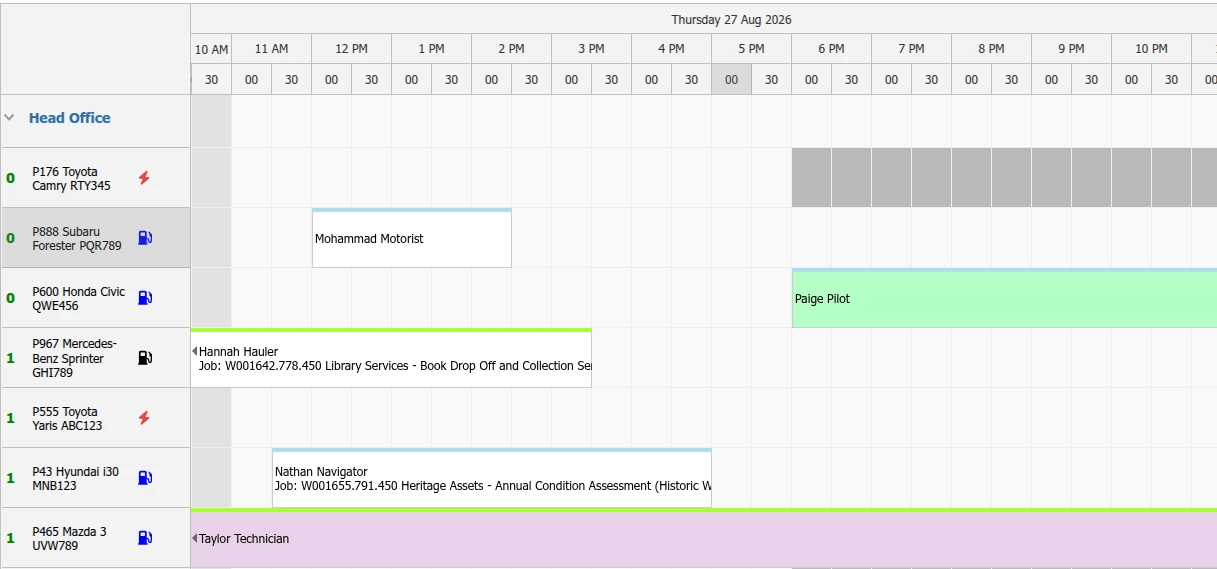
Choose a date, focus on the right vehicle pool and check availability through one shared view.
Choose the date, search for a resource or location, and switch to your own booking timeline.
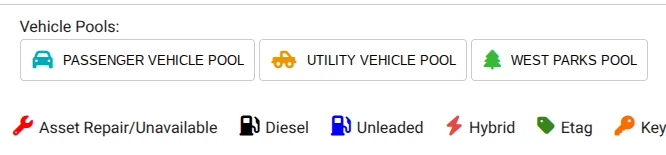
Filter between passenger, utility and parks pools — while keeping vehicle status information in view.
Coloured reservation blocks sit alongside the vehicles and times they apply to, so teams can navigate the day visually.
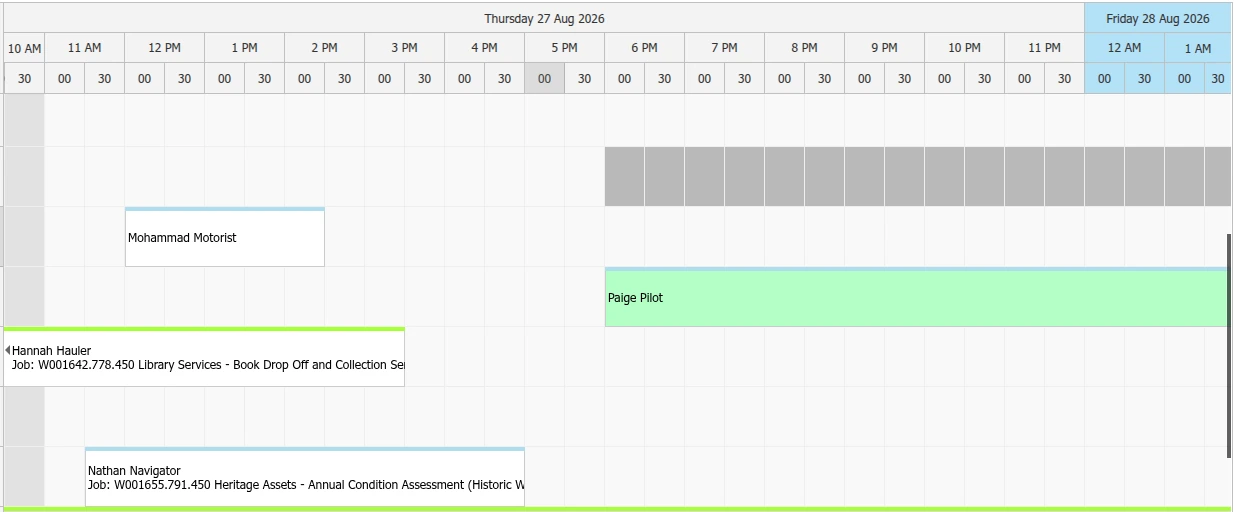
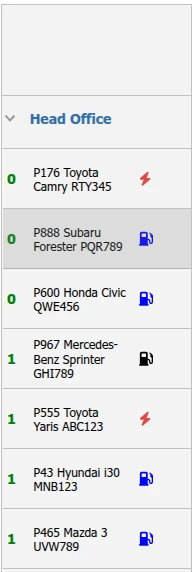

Real vehicle and status information, taken directly from the booking screen.
Booking decisions are easier when the calendar shows the actual assets alongside indicators for fuel type, availability and related details.
For organisations using KeyWatcher, approved bookings can also be linked to controlled key access.
Ask about booking and KeyWatcher integration ↗Take a closer look at how the calendar brings availability, reservations and vehicle information together.
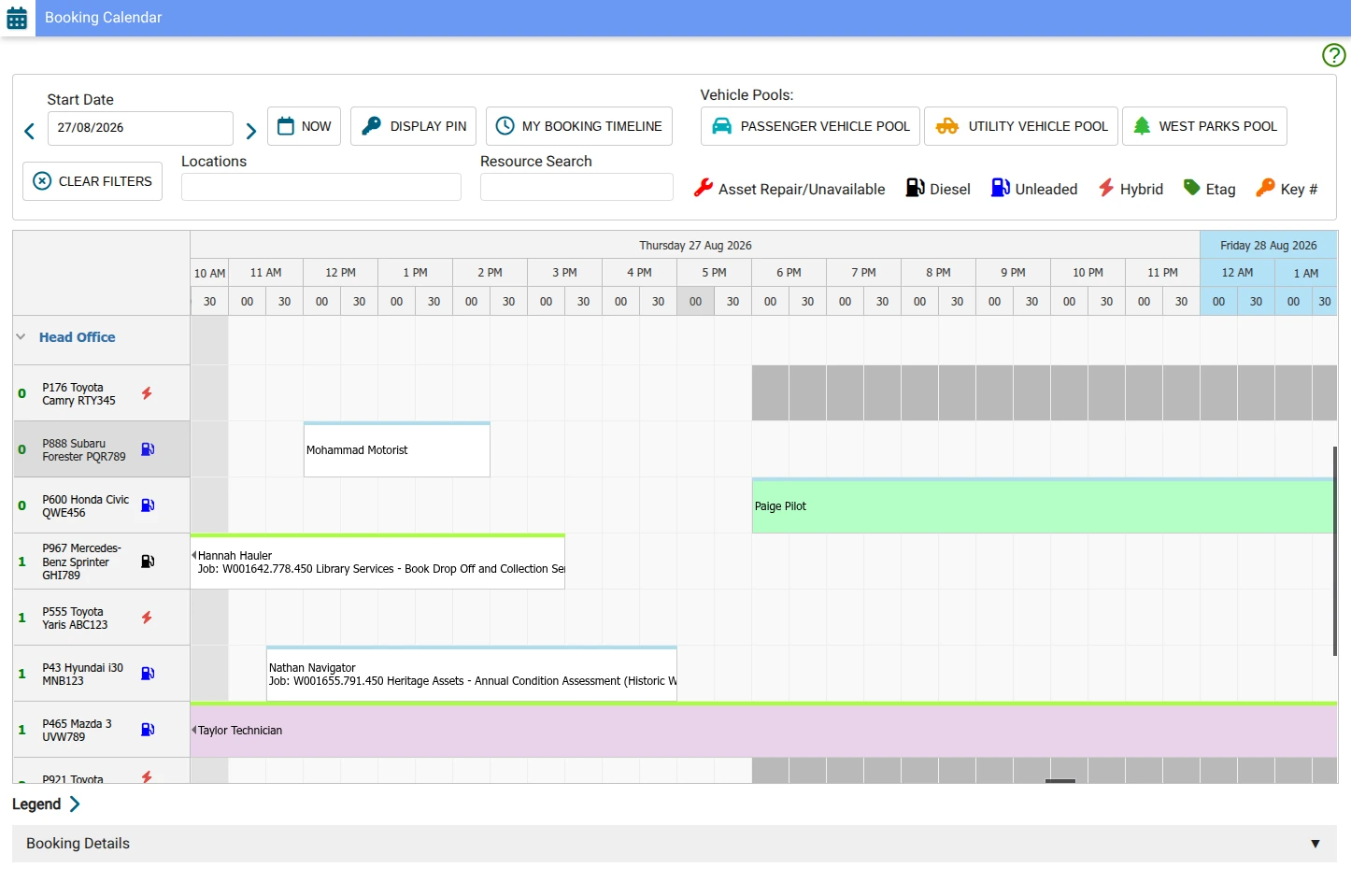
Actual Formbird FLEET booking interface, captured 27 August 2026. Presented with selective crops only; functionality depends on configuration.
Explore how Formbird FLEET BOOKING can work with your vehicle pools, existing systems and operational needs.

Curious about how Forbmird CLARITY can transform your water business?
Download the brochure now